Toll-Free: 1-866-423-8525 I sales@clienttrackportal.com
Toll-Free: 1-866-423-8525 I sales@clienttrackportal.com
Go to clienttrackportal.com/login and sign in with your username and password.

Click on the page called Virtual Filing Cabinet. It looks like a folder icon in your sidebar.
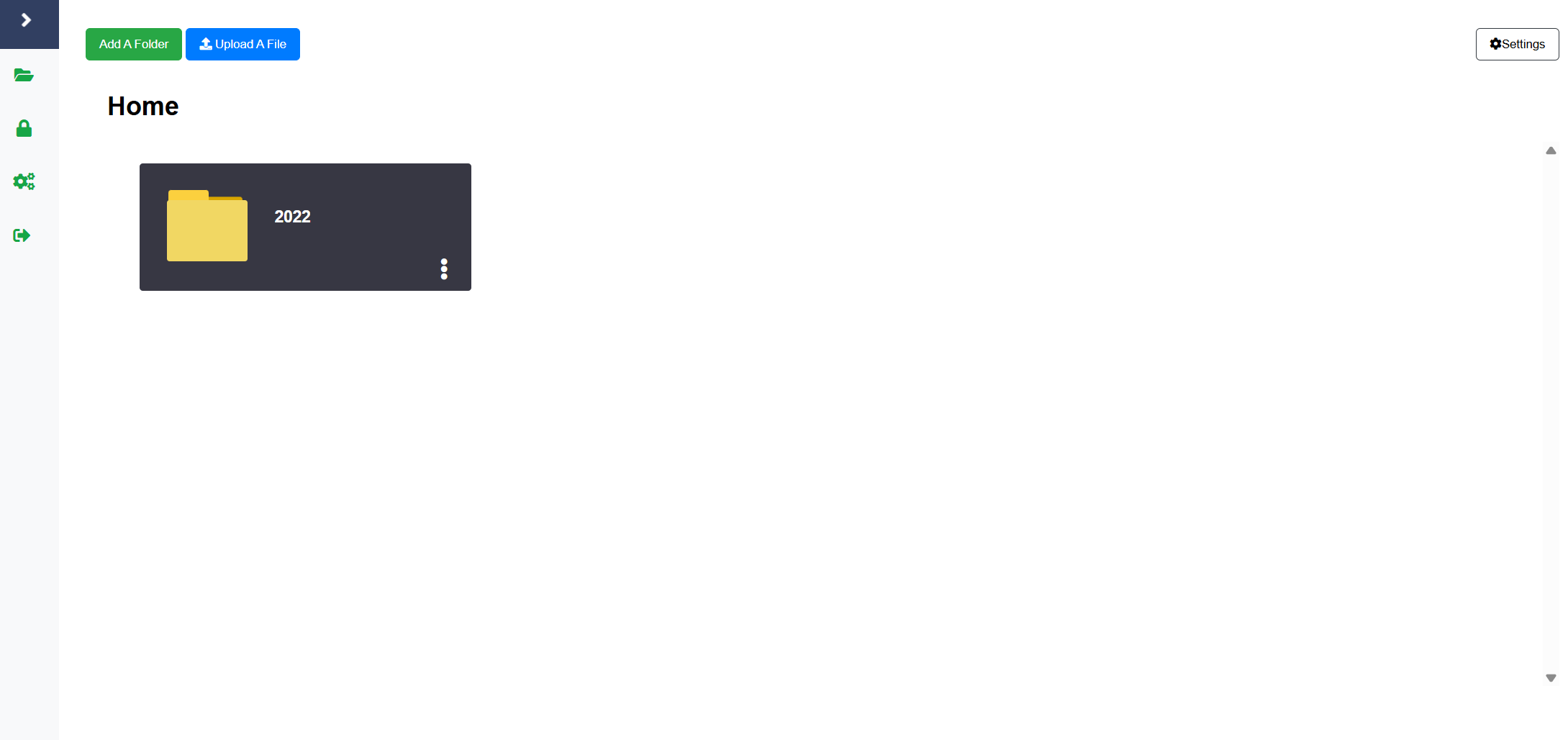
Browse through your folders to locate the correct folder where you’d like to upload your document.
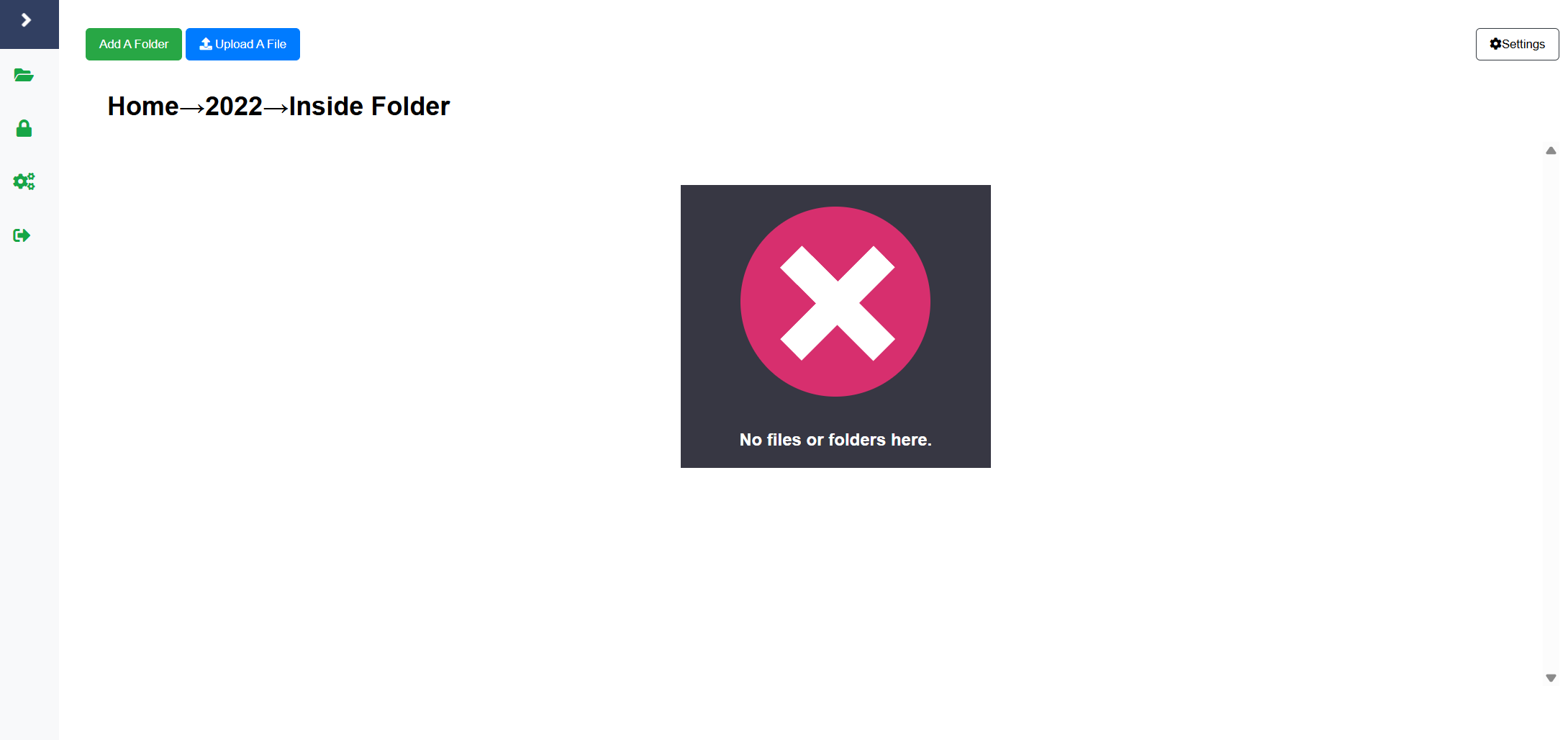
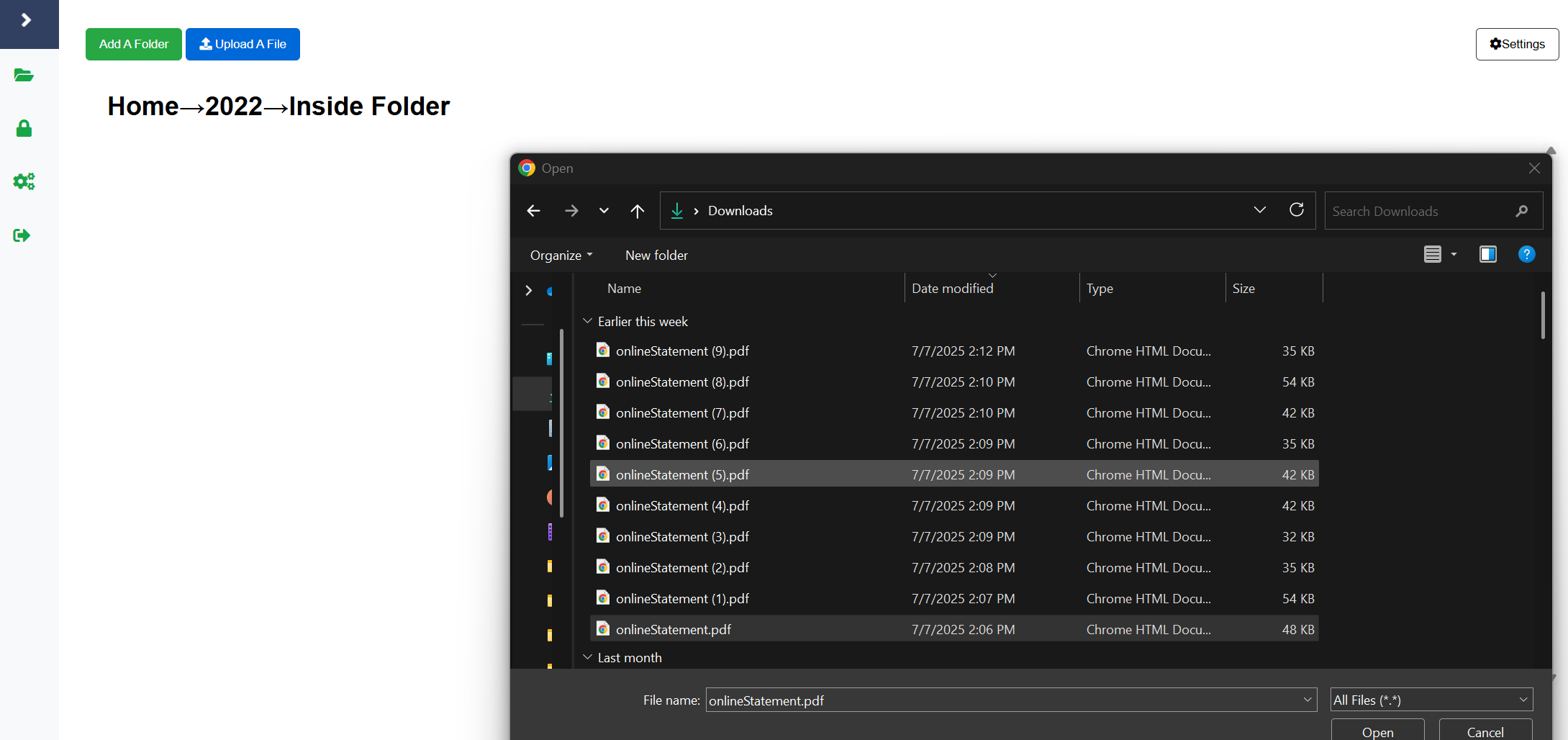
You have two options to upload: